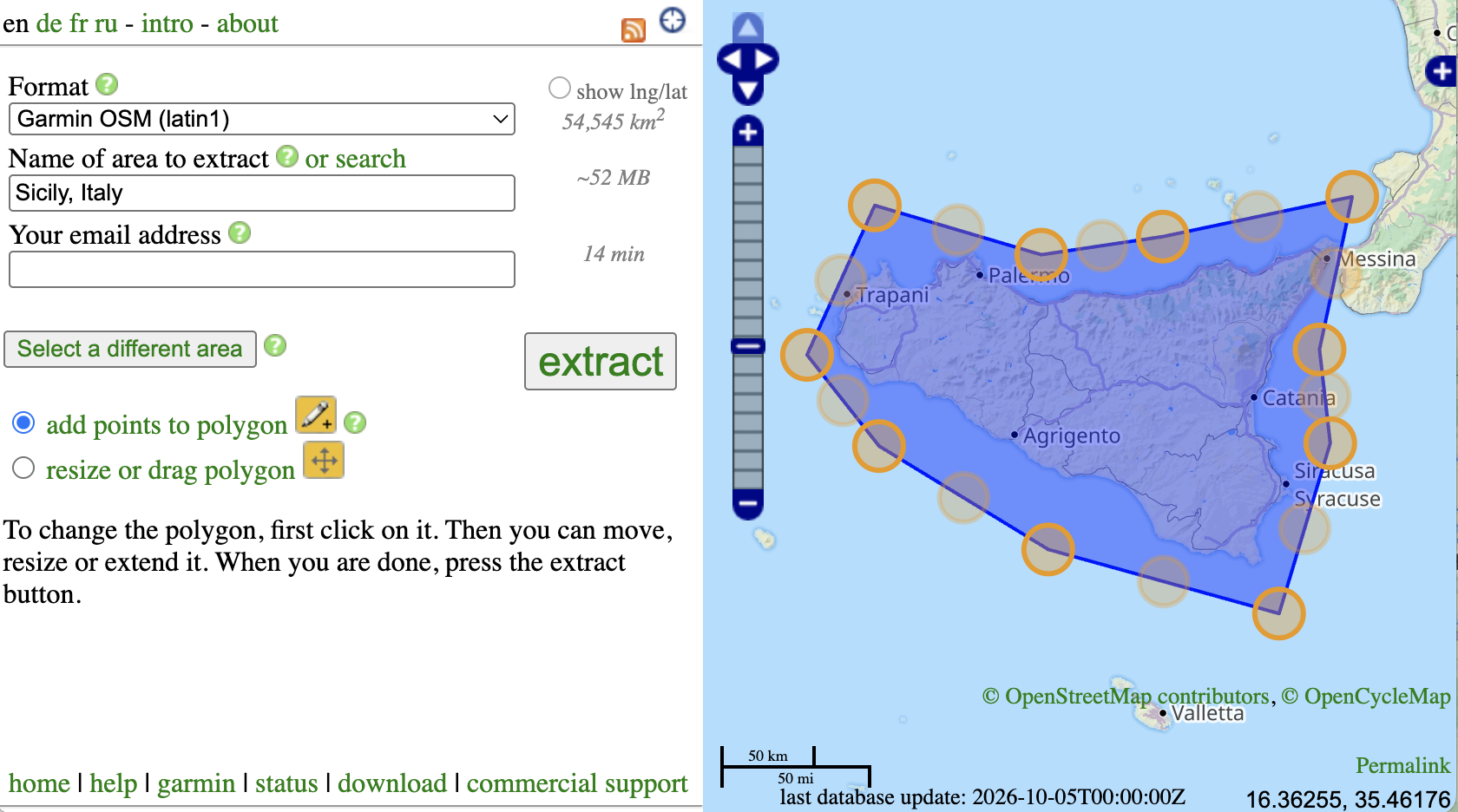
Add points to polygon

First click create to make a bounding box on the map. Then choose add points to polygon and click on the box. Drag the small handles in the middle of each edge to add new points. You can add as many points as you want.
To move or resize the whole polygon, choose resize or drag polygon instead.